
Step 1: Open HOMHQ 0:00
Log in to the HOMHQ platform.
Locate the left-hand side column.
Step 2: Access Agent Services 0:07
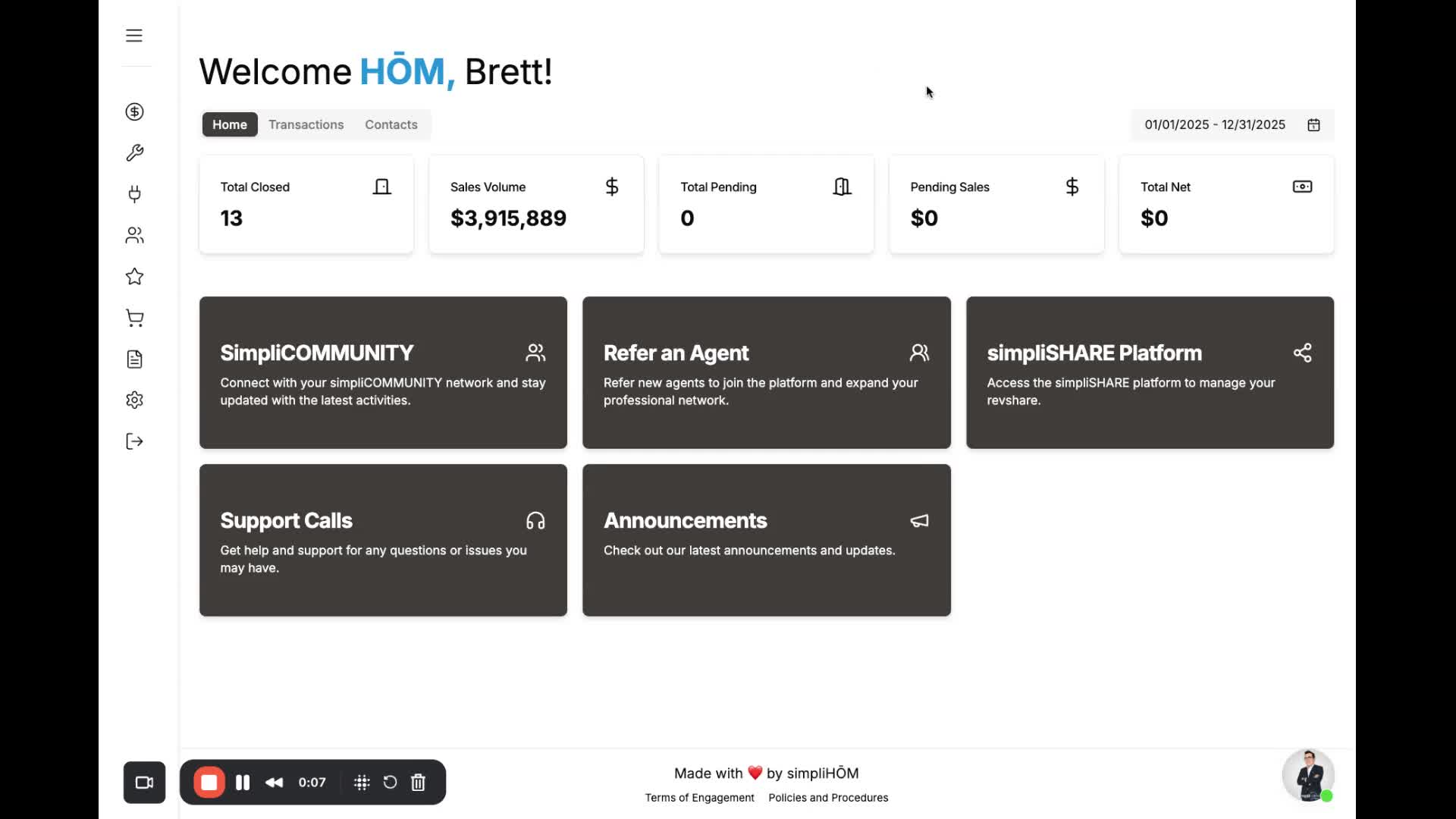
Click on the side menu in the left-hand column.
Select 'Agent Services' from the menu.
Step 3: Navigate to Healthcare Options 0:16
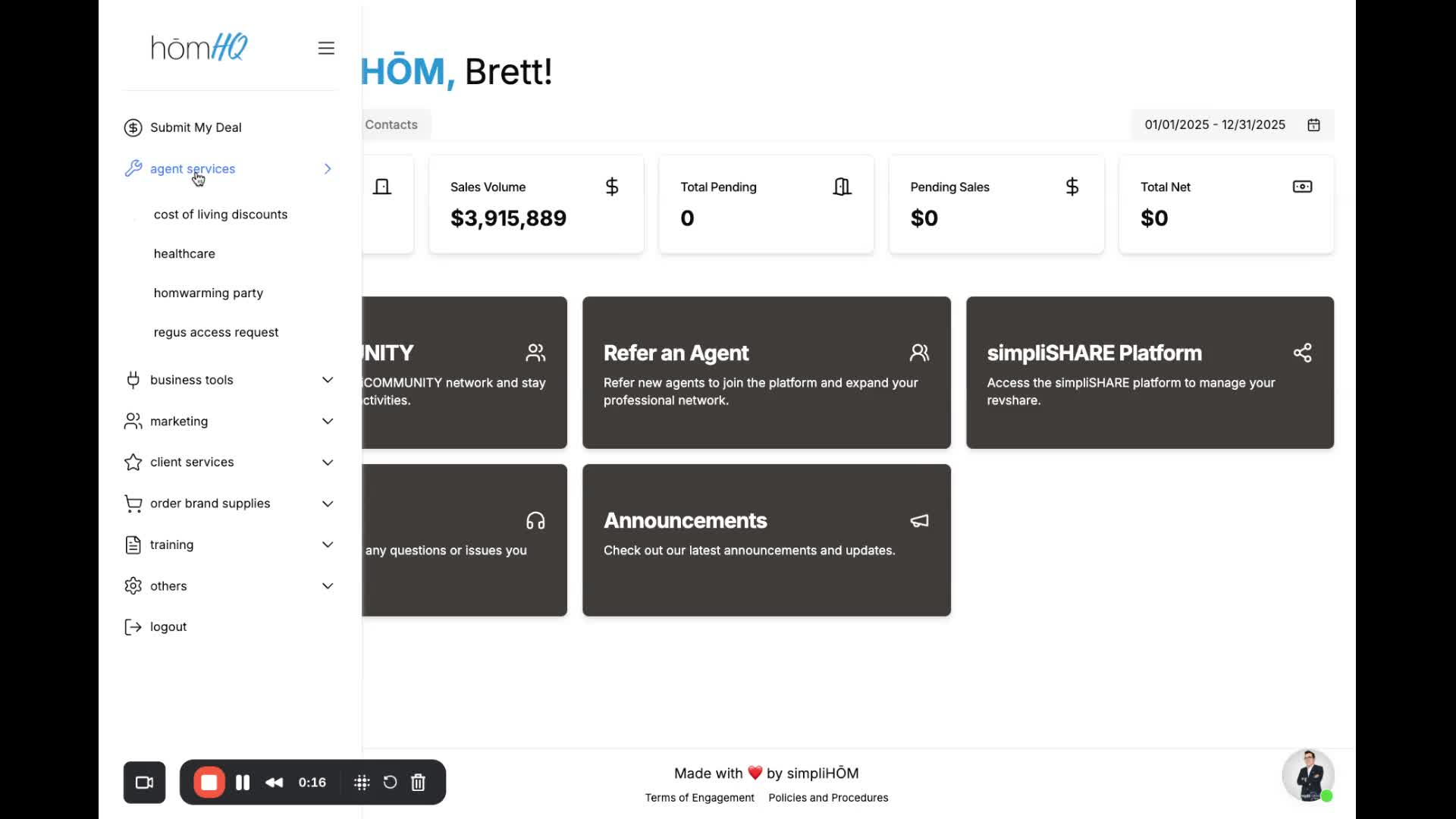
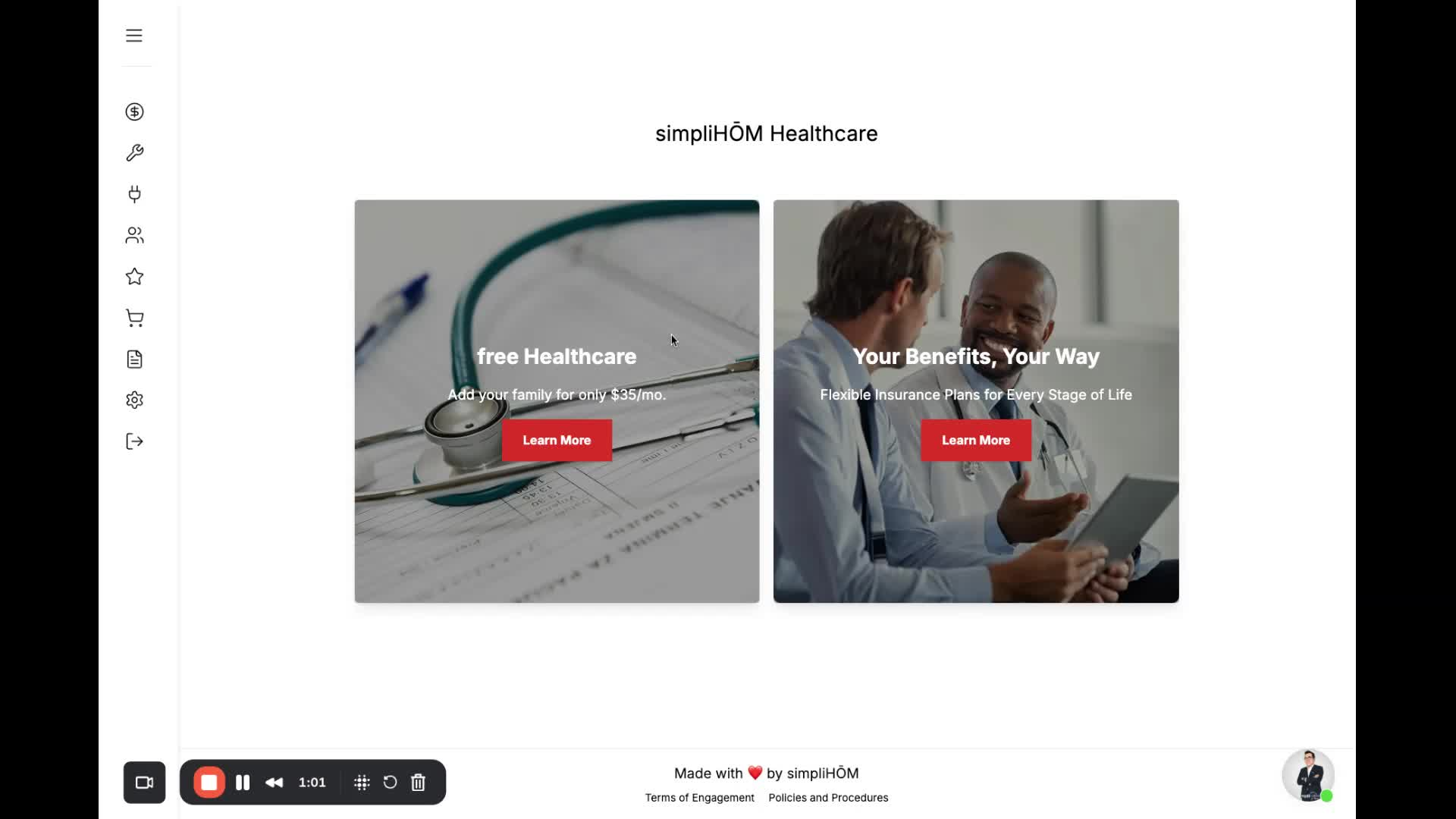
Click on 'Healthcare' under Agent Services.
You will see two options for healthcare.
Step 4: Review Free Healthcare Option 0:27
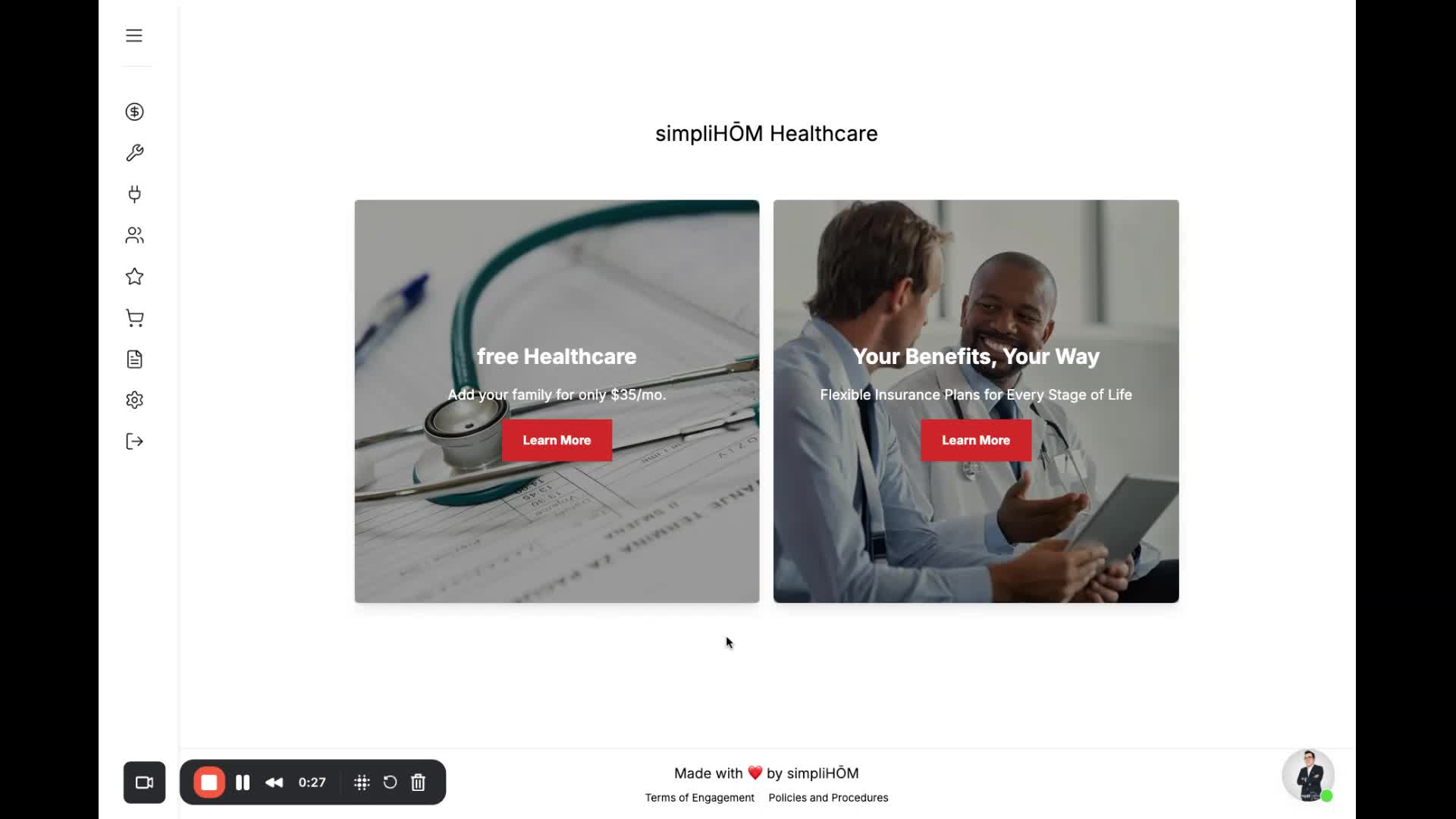
The first option is the free healthcare provided by simpliHŌM.
This is free for agents.
To add family members, it costs $35 per month for the entire family.
Benefits include:
Virtual health visits
Free prescriptions
Free virtual urgent care
Mental health services
Click 'Learn More' for additional details.
Step 5: Explore Health Insurance Policies 0:47
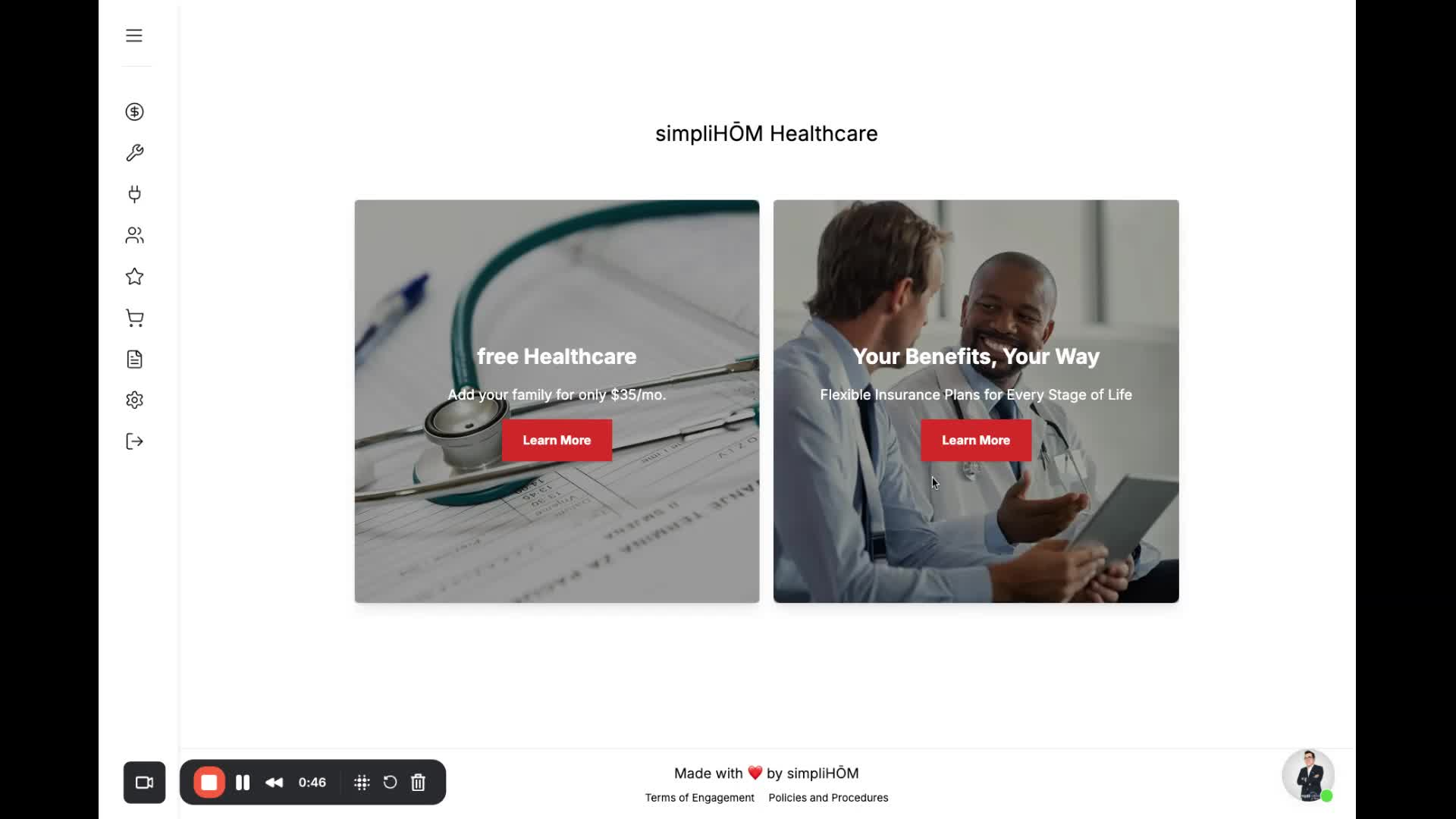
The second option is for health insurance policies, similar to a PPO plan.
Note that this is health insurance, not just healthcare.
Click 'Learn More' for more information on these policies.
Step 6: Contact Support for Questions 1:01
If you have any questions, reach out to support@simplihom.com.